
Discord staff voting on applications
Premium
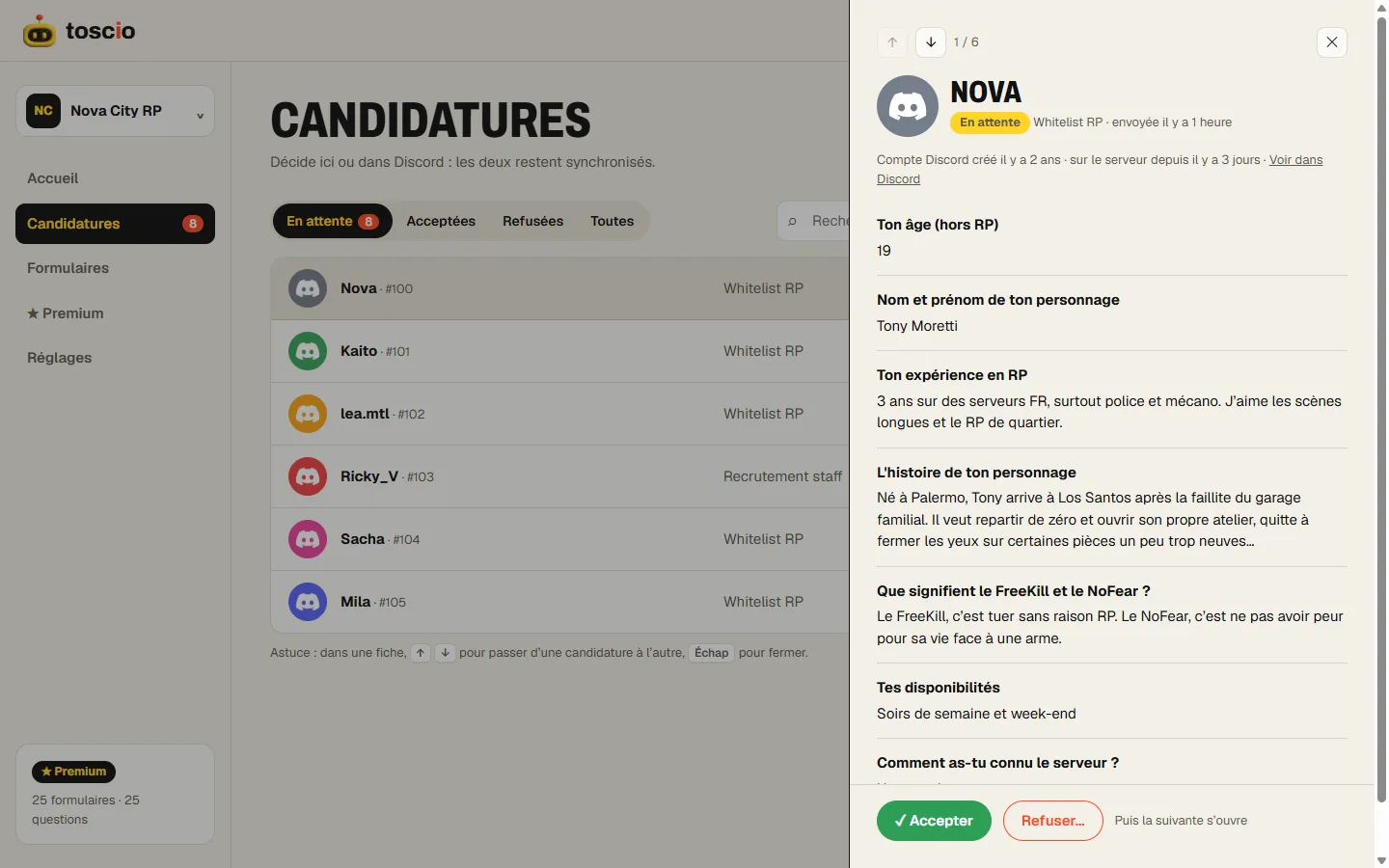
For and Against buttons on every application card. When the number of votes you set is reached, Toscio accepts or declines, gives the roles and tells the applicant.
- Free plan
- Free Premium trial
What it does
When one person decides, recruitment depends on who happens to be online, and every refusal looks personal. Asking the whole team in a channel doesn't work much better: three people react, two forget, and nobody knows when the discussion is over.
Staff votes put a clear rule on the card. Each application shows 👍 For and 👎 Against. You choose how many votes are needed, from 1 to 25. When a side reaches that number, the decision applies on its own: roles given or not, message sent to the applicant, card updated.
How to set it up
- In the form editor, open Staff review.
- Turn on Decide by staff vote.
- Set Votes needed, from 1 to 25. It starts at 3.
- Save. New cards get the buttons right away.
Members with one of the form's staff roles can vote, in Discord or from the dashboard, where they log in without Manage Server.
Choosing the threshold
Start from the people who are really active, not from the size of your staff list.
- A small team of 3 to 5: 2 votes. Two people agree, and the application doesn't stay open for days.
- A team of 6 to 10: 3 votes is the usual choice. It's enough to avoid a decision by one friend group.
- A board or a council: a number close to a majority of the members, if they all read every application.
If applications sit for days without reaching the threshold, your number is too high. Lower it, or let a senior member decide directly: Accept and Decline are still there.
When votes make sense, and when they don't
Votes suit decisions that carry weight: moderators, officers in a guild, ban appeals, a place on a team. A vote adds a delay, and that delay is worth it when a wrong yes costs you something.
They add little for a simple member application or a whitelist with lots of requests. There, a graded quiz and one reviewer go faster, and applicants wait less. Keep votes for the forms where several opinions matter.
A vote also doesn't replace a discussion. For a difficult case, use the internal notes on the card, or open an interview thread, before anyone votes.
With a stage
If the form has a stage, reaching the For threshold moves the application to the stage first. Votes then start again from zero for the final decision, so the team votes again once the trial is over.
Limits
- Premium only. On the free plan, the form keeps working with Accept and Decline.
- Votes aren't hidden from the staff. The card shows the count to your reviewers. The applicant sees nothing.
- One threshold for both sides. You can't ask for 3 votes to accept and 2 to decline.
- A decline by vote has no reason. If the applicant should get an explanation, decline directly with a preset reason.
- Cards posted before you turned votes on get the buttons the next time they're updated. New applications have them straight away.
The details, including what the card shows, are in reviewing applications. For a team that reviews a lot, Premium also adds a Take button so that two people don't read the same application.
Questions
Is voting free?
No, staff votes are a Premium feature ($4.99/month or $49.90/year per server), and Toscio offers a free Premium trial. On the free plan, any staff member can accept or decline directly.
Can a staff member still decide alone?
Yes. Accept and Decline stay on the card, so a senior member can decide without waiting for the vote.
Do applicants see the votes?
No. Votes stay on the staff card. The applicant only gets the final decision.
What happens to votes when Premium ends?
They stop: new cards have no vote buttons, and votes no longer decide. Your vote threshold is kept for when Premium comes back.
